Screenshots
What Vanthrex looks like in VS Code. Click a picture to open it full size.
Write better code
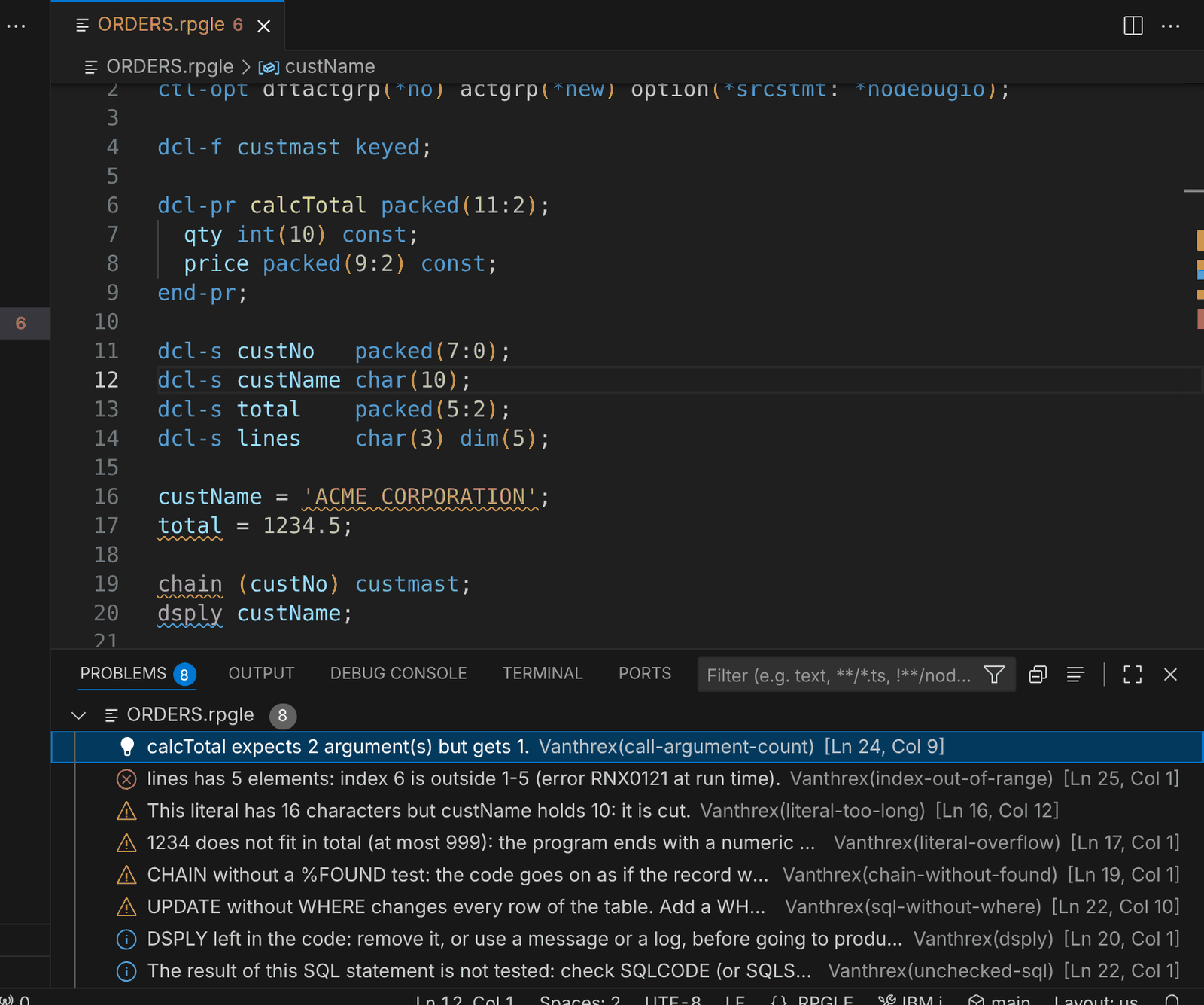
Checks while you type
More than 50 checks for RPG, CL and SQL as you type, in the Problems view. Read more
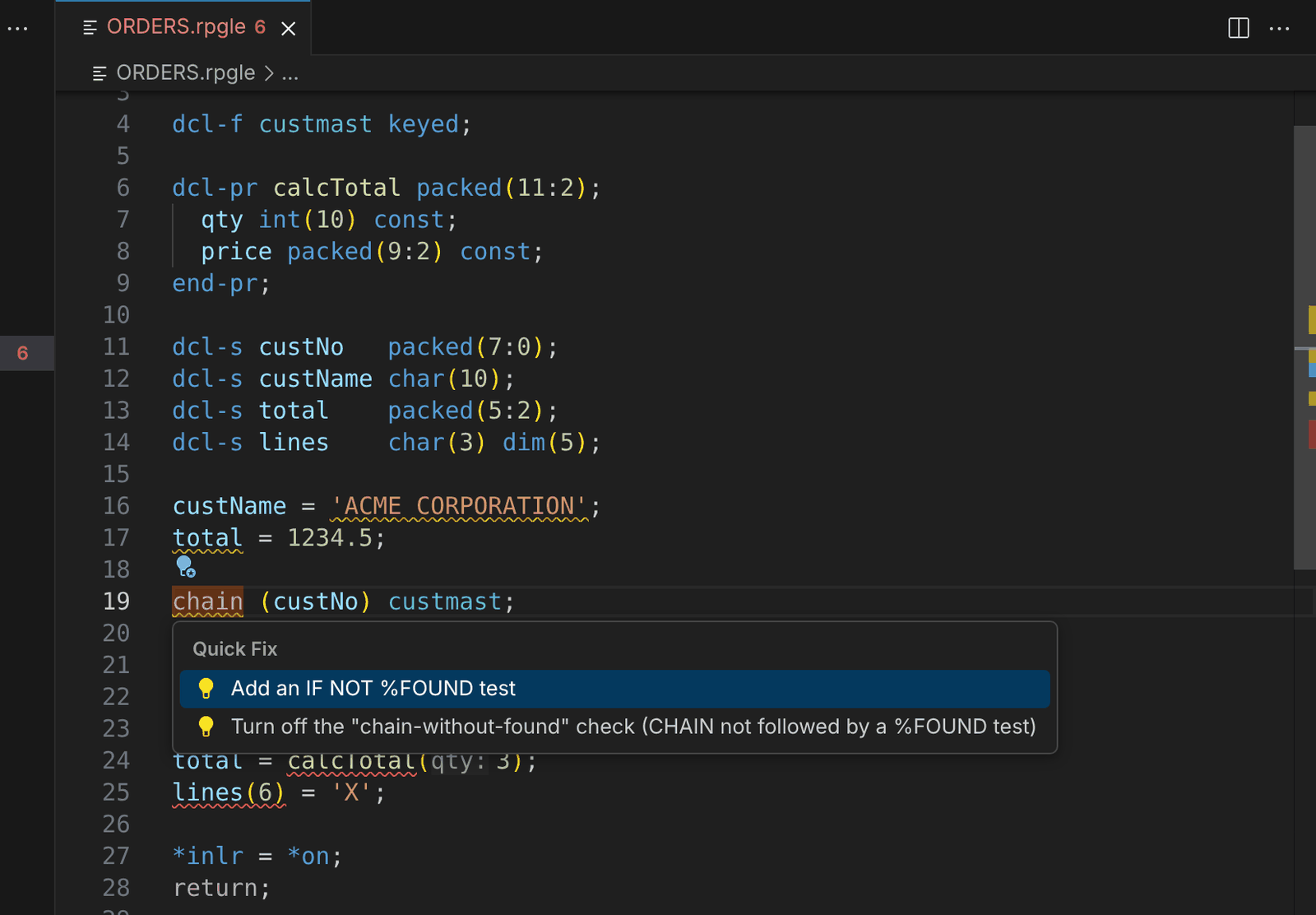
Quick fixes
Ctrl+. on a warning adds the missing code — here an IF NOT %FOUND test after CHAIN. Read more
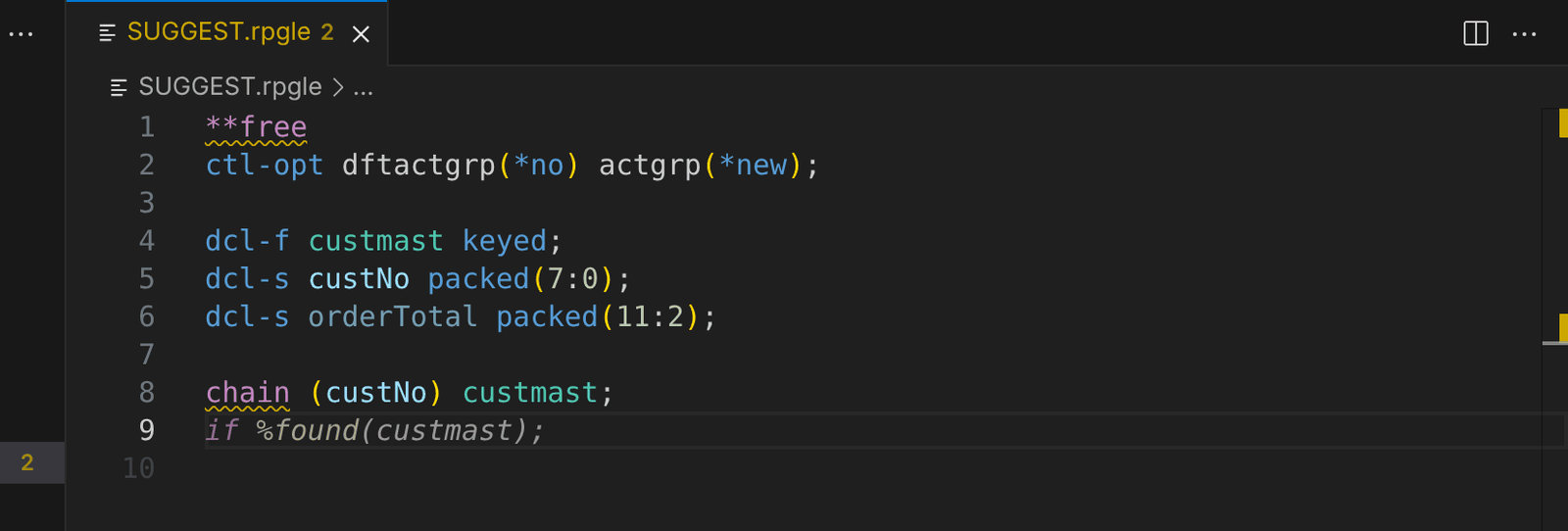
Suggestions while you type
The next line an IBM i developer would write appears in grey; Tab accepts it. Read more
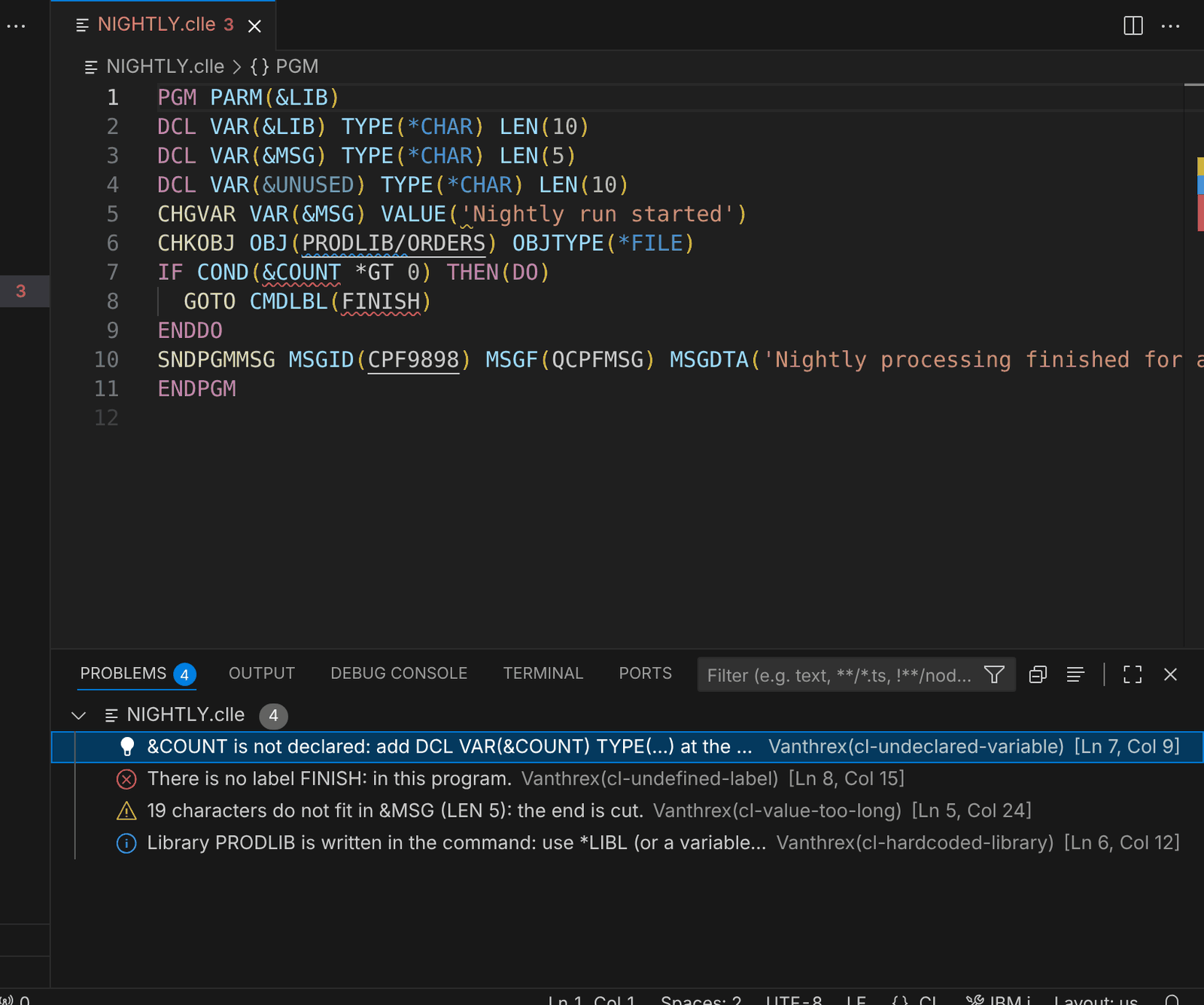
CL checks
Undeclared variables, missing labels, values too long and hard-coded libraries in CL. Read more
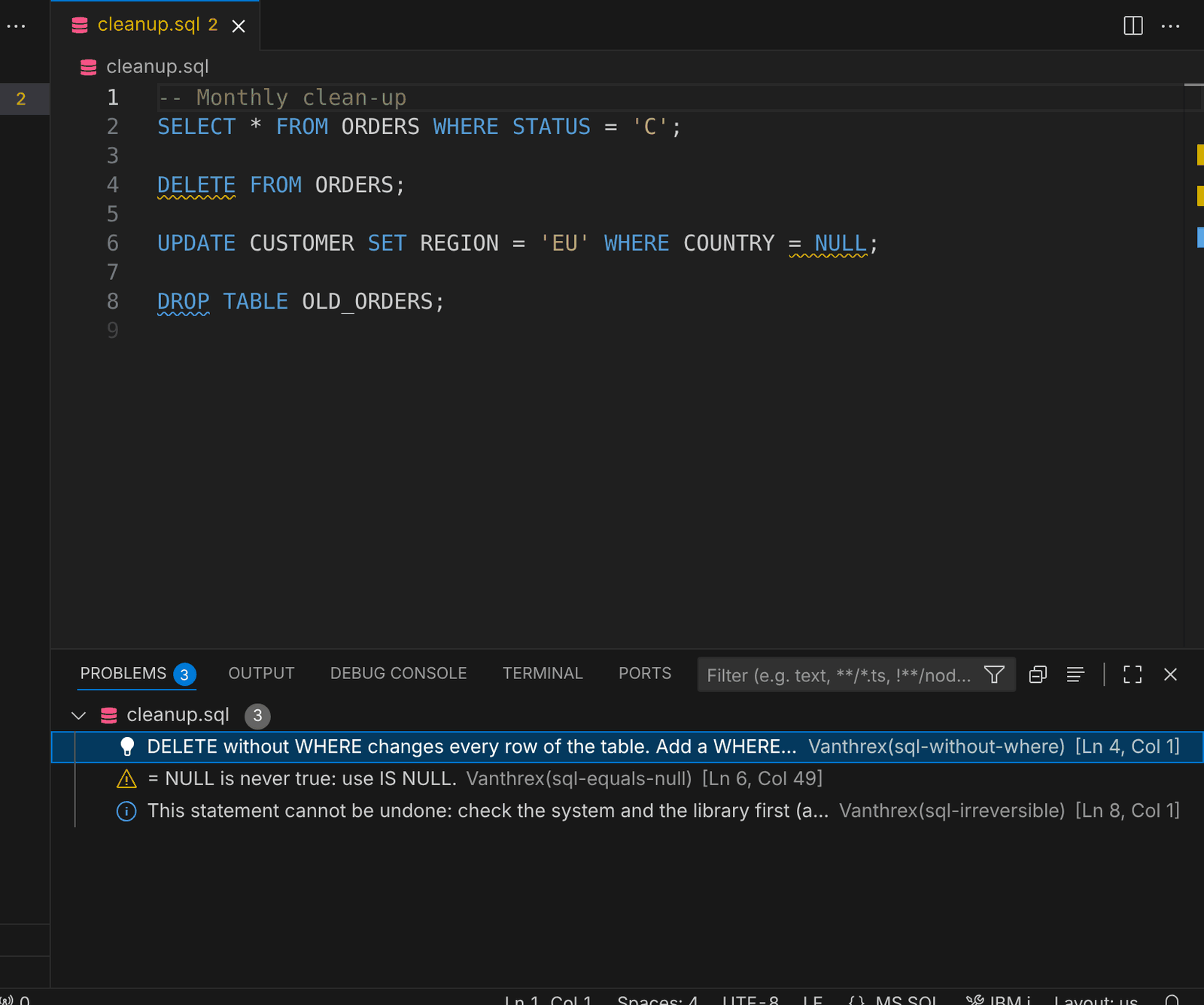
SQL checks
DELETE / UPDATE without WHERE, = NULL and statements that cannot be undone. Read more
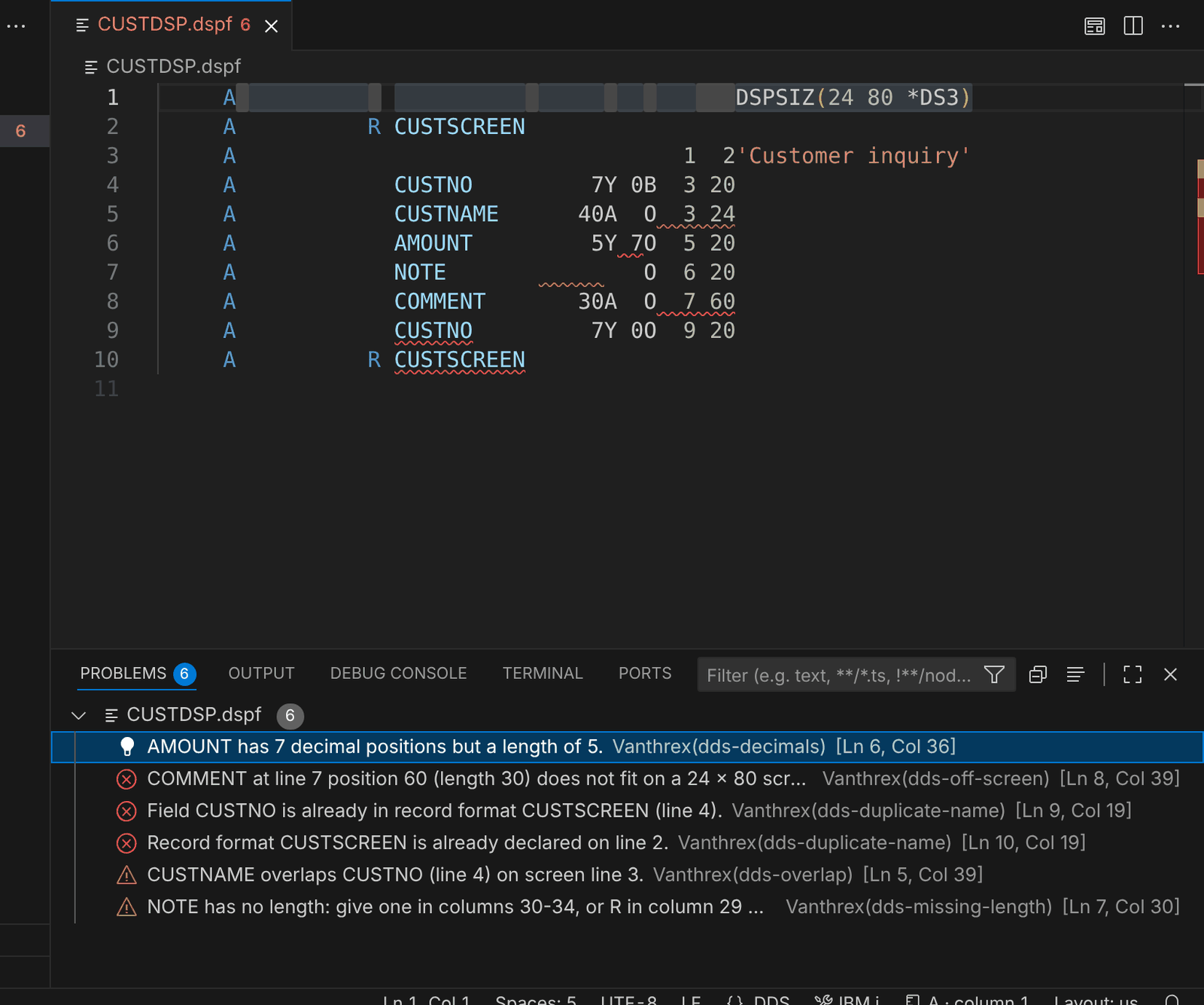
DDS checks
Names, decimals, lengths, fields outside the screen and overlapping fields in PF, LF, DSPF and PRTF sources. Read more
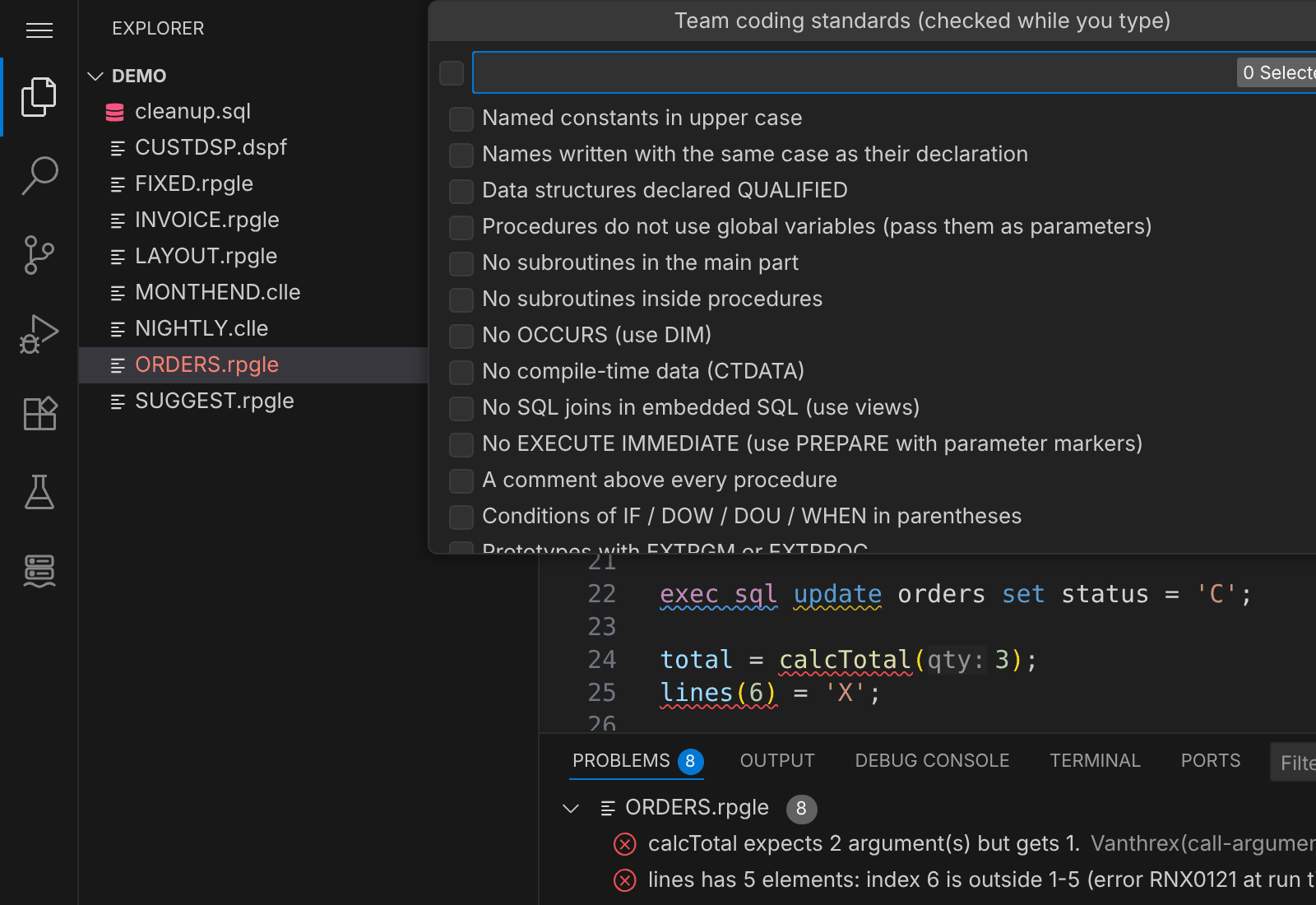
Team coding standards
Tick the rules your team follows (or import your rpglint.json); they are checked while you type. Read more
Modernize and understand
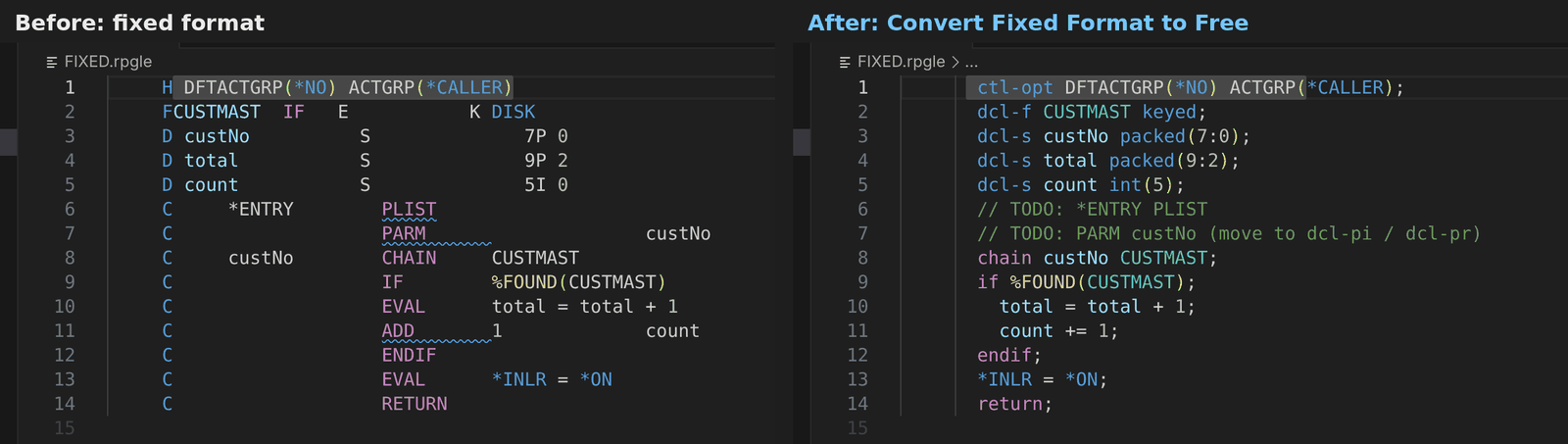
Fixed → free
One command converts H, F, D, P and C specs to free format. Read more
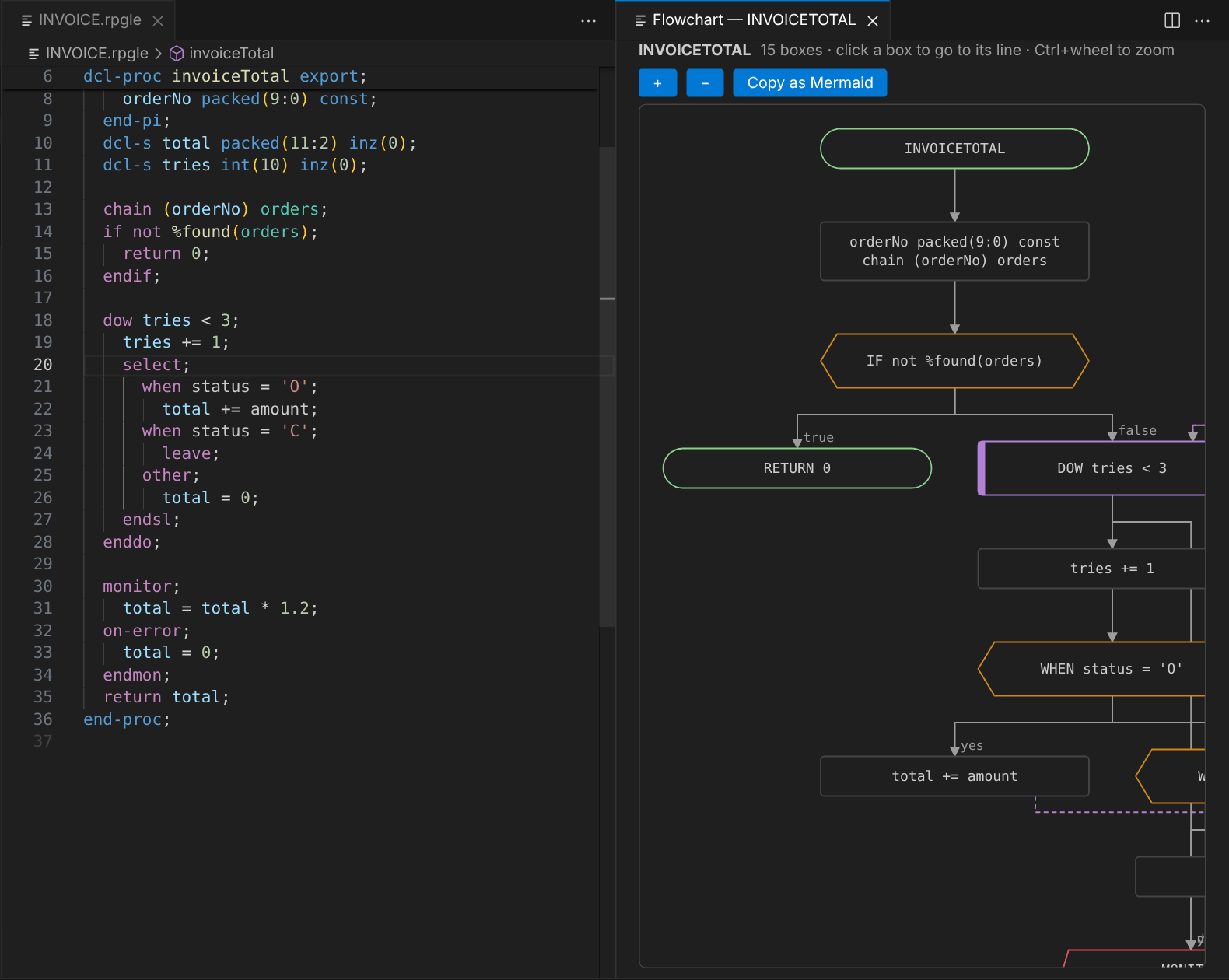
Flowchart of a procedure
Click a box to go to its line; copy the chart as Mermaid. Read more
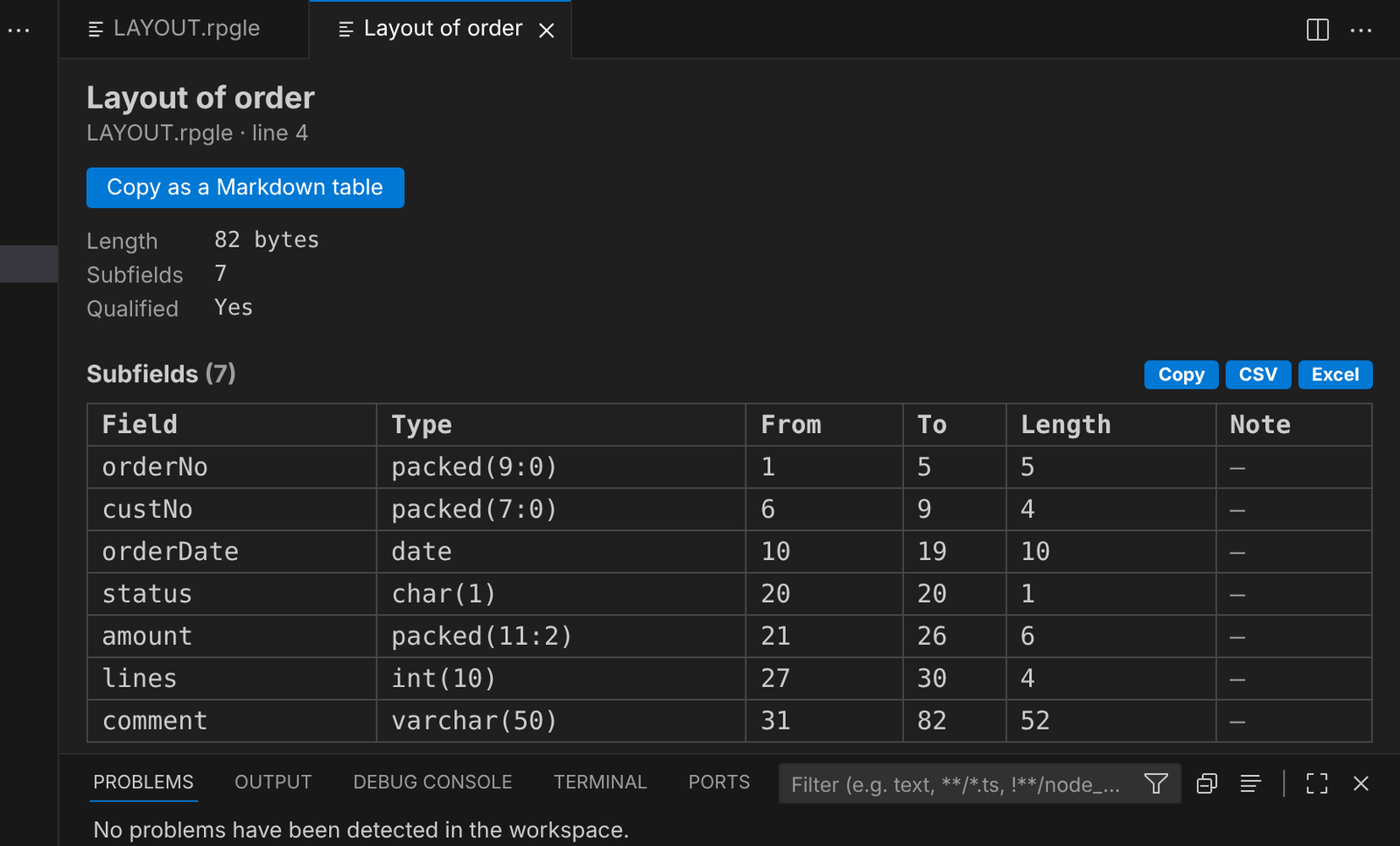
Data structure layout
Every subfield with its positions and length, like the compile listing — without compiling. Read more
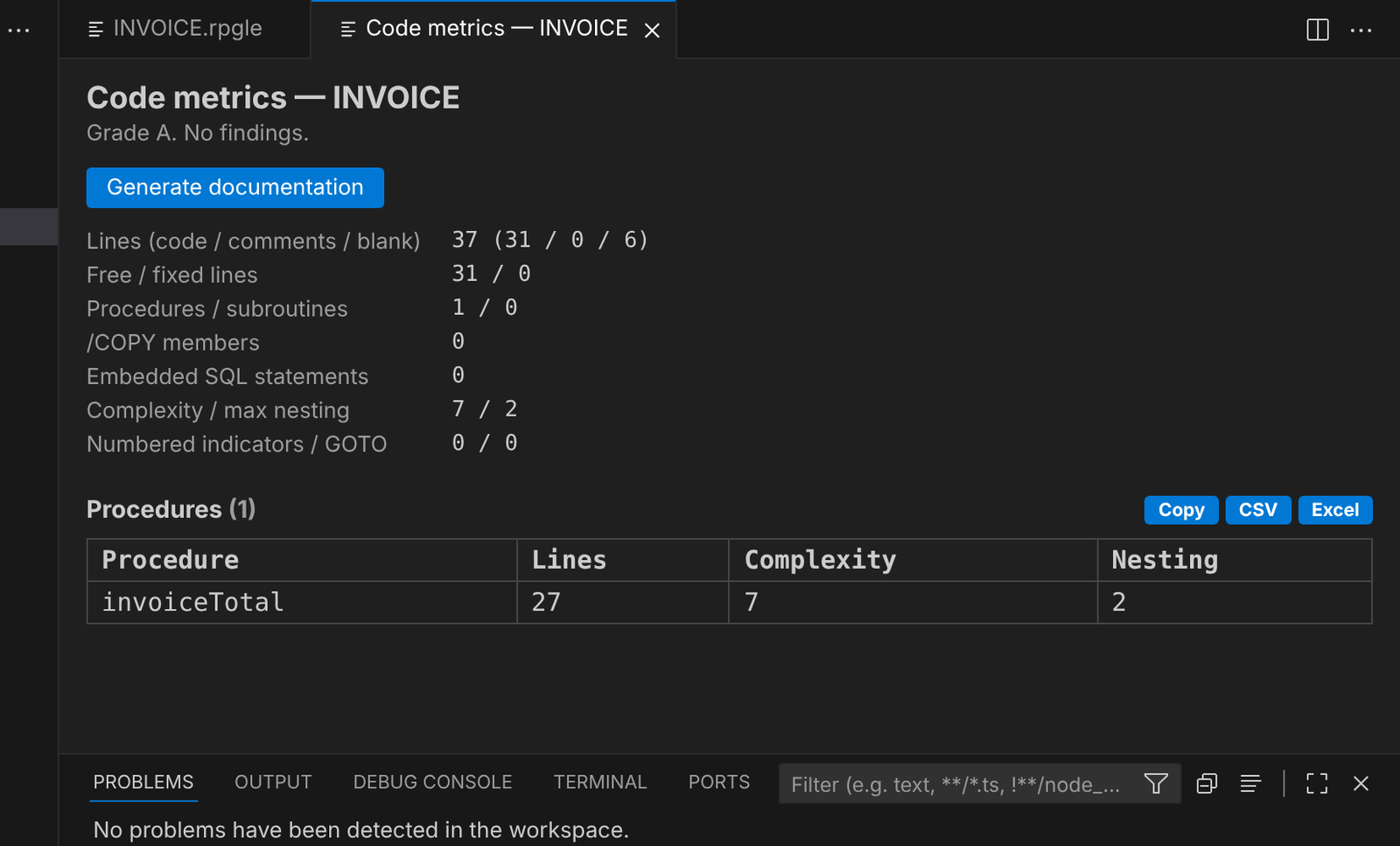
Code metrics
Lines, procedures, complexity and nesting, with a grade. Read more
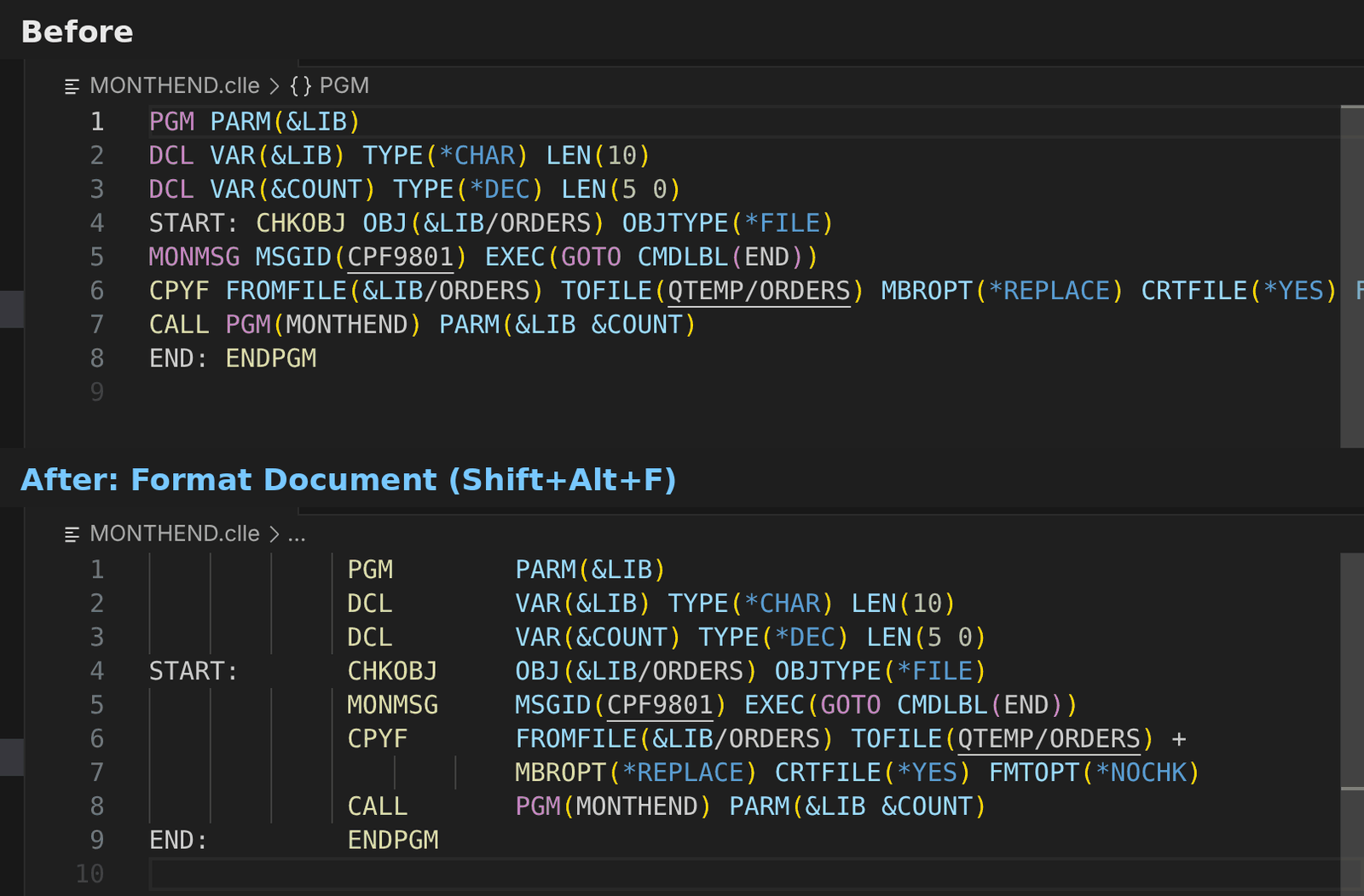
Format Document for CL
Shift+Alt+F puts CL in the prompter layout and splits long commands. Read more
Work faster
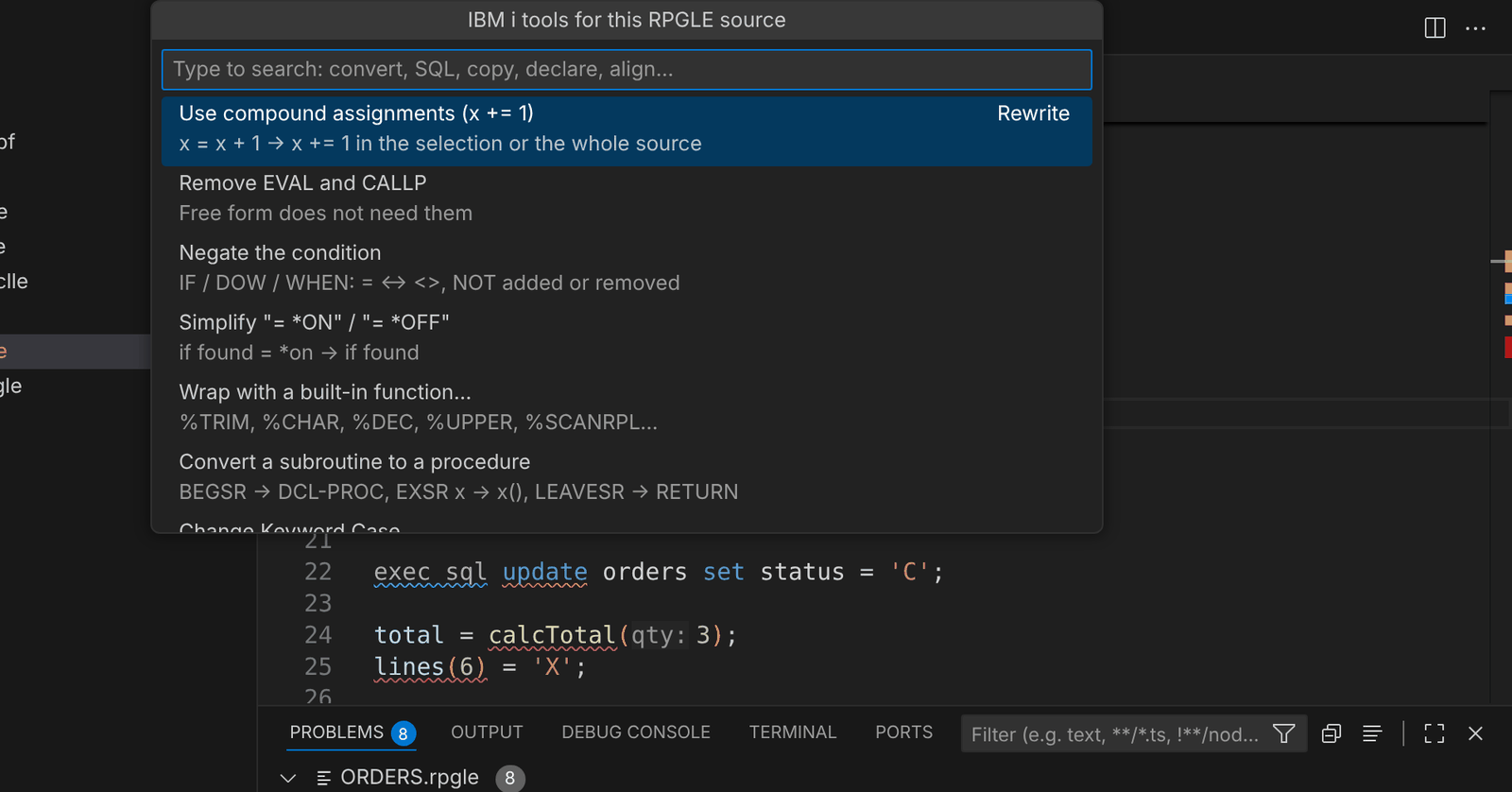
Developer Toolbox
Ctrl+Alt+A: every tool that fits the file you are in. Read more
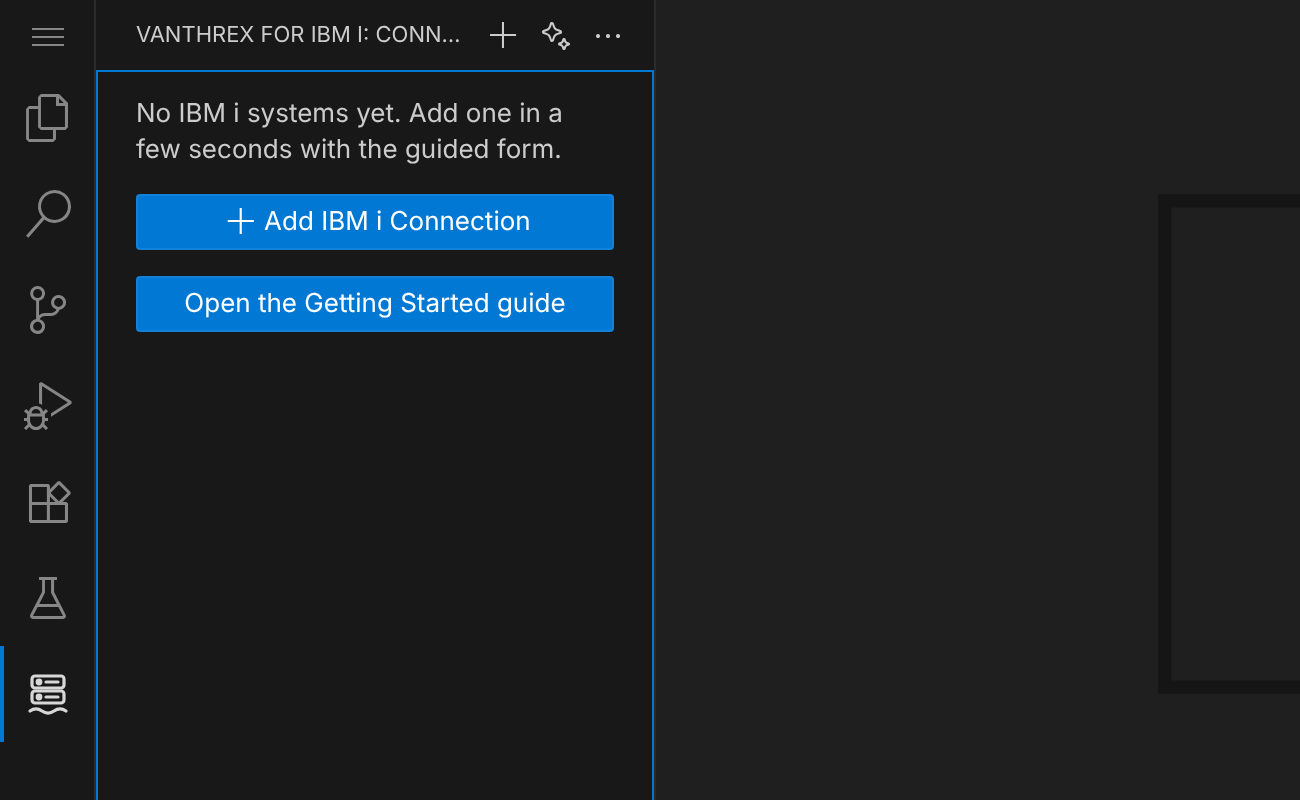
The Vanthrex side bar
Everything starts from the Vanthrex icon in the activity bar. Read more
Connect in a minute
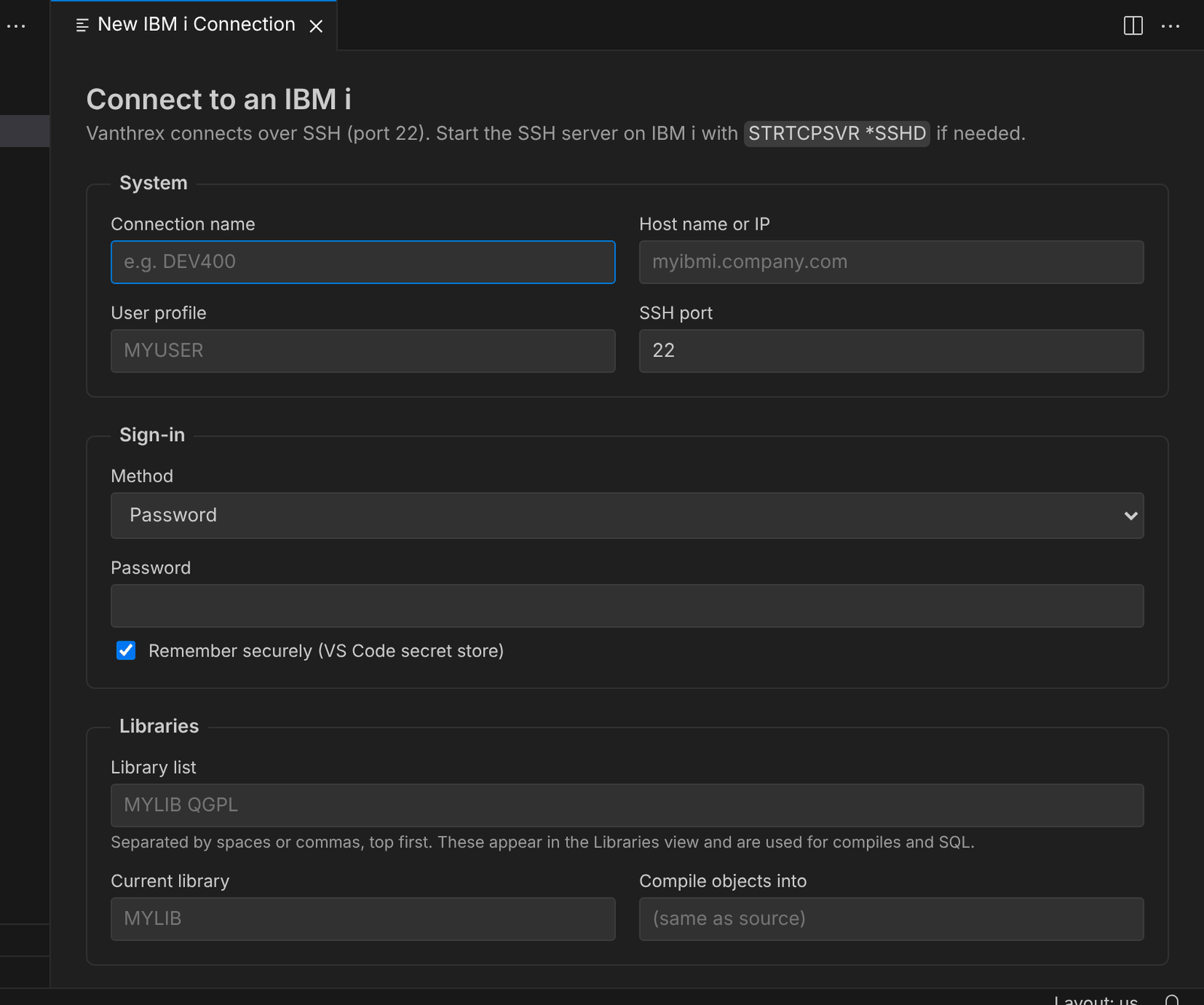
A guided form with Test connection; only SSH is needed on the IBM i. Read more