Coming from Code for IBM i
Bring your connections, library lists and compile actions into Vanthrex in one step — and share one setup with your whole team.
Import your setup
- Open the command palette (
Ctrl+Shift+P) and run Import My Code for IBM i Setup (Connections, Library Lists, Actions)… - Choose what to import:
- Connections: host, port, user and SSH key. Passwords are never read: you type each one at the first connection.
- Library lists, current library and home folder; library list profiles become Vanthrex library list sets.
- Compile actions from your settings and from the workspace
.vscode/actions.json. Variables such as&OPENLIB,&OPENSPF,&OPENMBRand&BUILDLIBare converted.
- Connect and work. Both extensions can stay installed while you try Vanthrex.
Keep your coding rules
Run Import Coding Standards from rpglint.json… to turn the rules your team already uses into Vanthrex team coding standards, checked while you type.
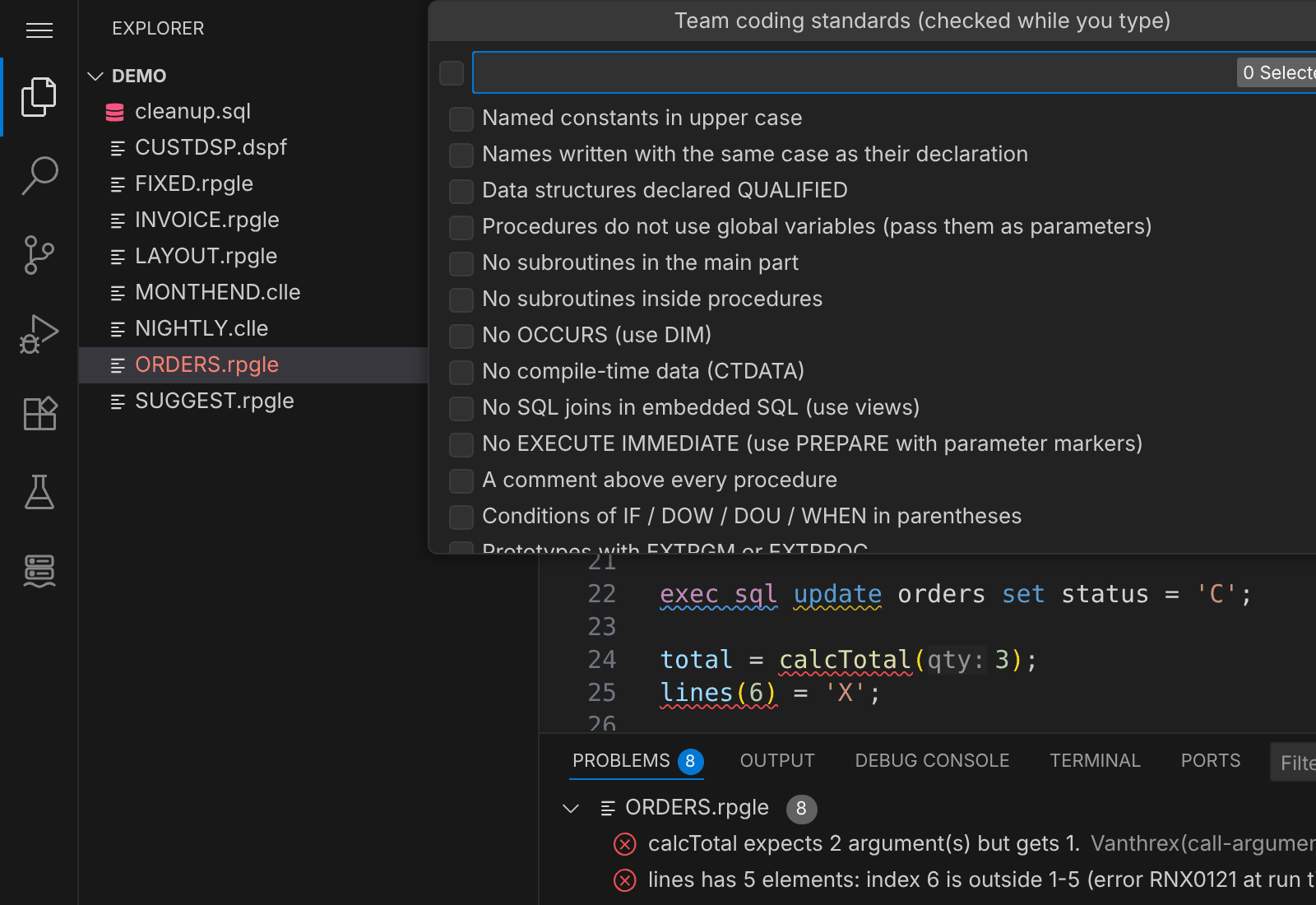
Share one setup with the team
Export a Team Setup File… writes the connections (without user names, passwords or key paths), library list sets, CL macros, compile actions, checks, team standards and AI privacy settings to one JSON file. A colleague runs Import a Team Setup File…, types their user profile once and works with the same setup.
What you get on top
- More than 50 checks while you type for RPG, CL and SQL, most with a quick fix, and suggestions while you type.
- PDM in one screen, AS/400 GO menus and SEU-style source dates and F4 prompters.
- The Developer Toolbox (
Ctrl+Alt+A), a call graph, a code health report of whole libraries, and the AI assistant.